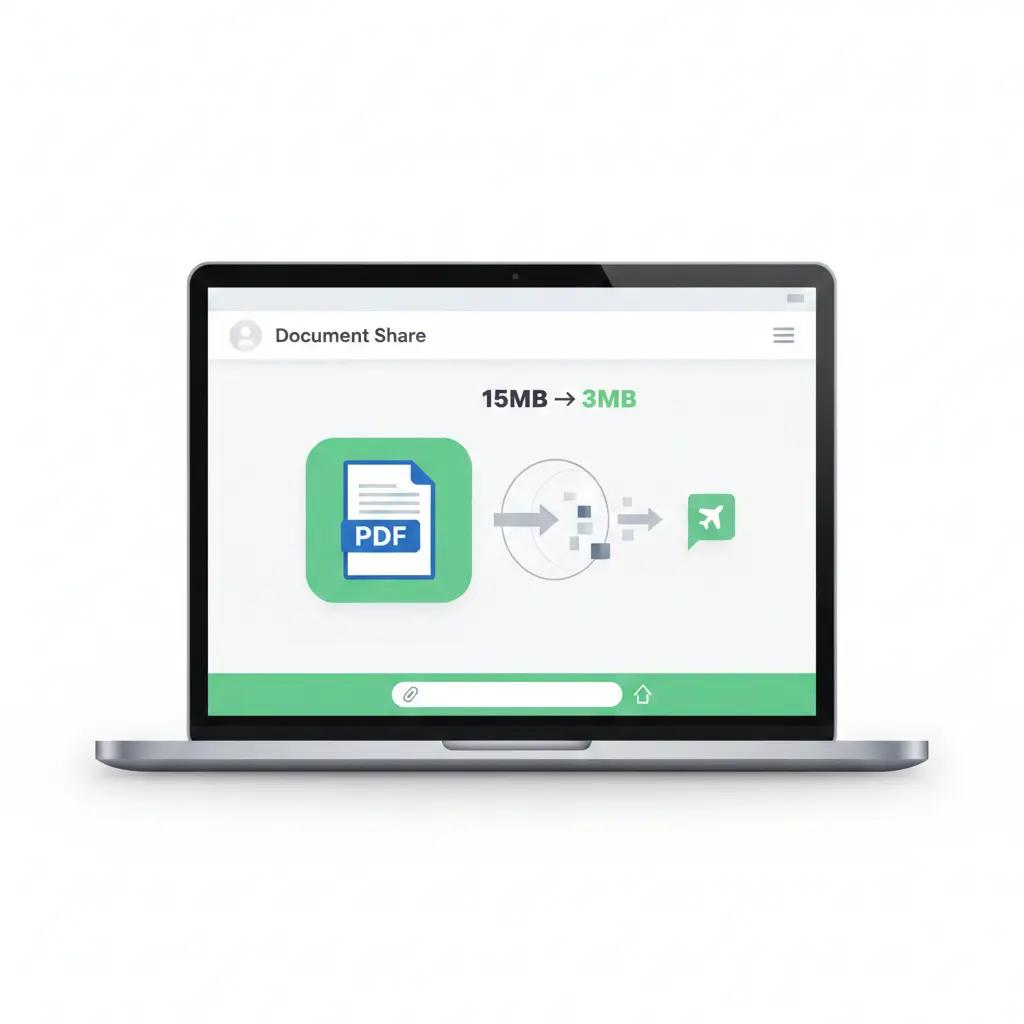
Learn how to compress PDF for WhatsApp without losing quality. Reduce PDF file size safely, quickly, and without uploading your files online.
Sending PDFs on WhatsApp sounds simple—until you hit the file size limit.
You try to share an important document, and WhatsApp either refuses to send it or compresses it so badly that the text becomes unreadable. This is a common problem for students, professionals, and anyone sharing forms, notes, or official documents.
In this guide, I’ll show you how to compress a PDF for WhatsApp properly, without ruining quality—and how to do it safely, without uploading your file to a server.
Why PDFs Fail to Send on WhatsApp
WhatsApp has strict file size limits, especially on mobile networks. Large PDFs usually fail because:
- They contain high-resolution images
- They’re scanned documents
- They include unnecessary metadata
- Multiple pages are stored inefficiently
The good news?
Most PDFs can be reduced by 60–90% without any visible quality loss.
The Best Way to Compress PDF for WhatsApp
The safest and fastest solution is to use a Compress PDF tool that works locally on your device.
With AstraPDF’s Compress PDF tool, your file:
- Is processed inside your browser
- Is never uploaded or stored
- Keeps text readable and images clear
This makes it ideal for sharing documents over WhatsApp.
👉 You can use the Compress PDF tool directly from the homepage or from the Compress PDF section.
How to Compress a PDF for WhatsApp (Step-by-Step)
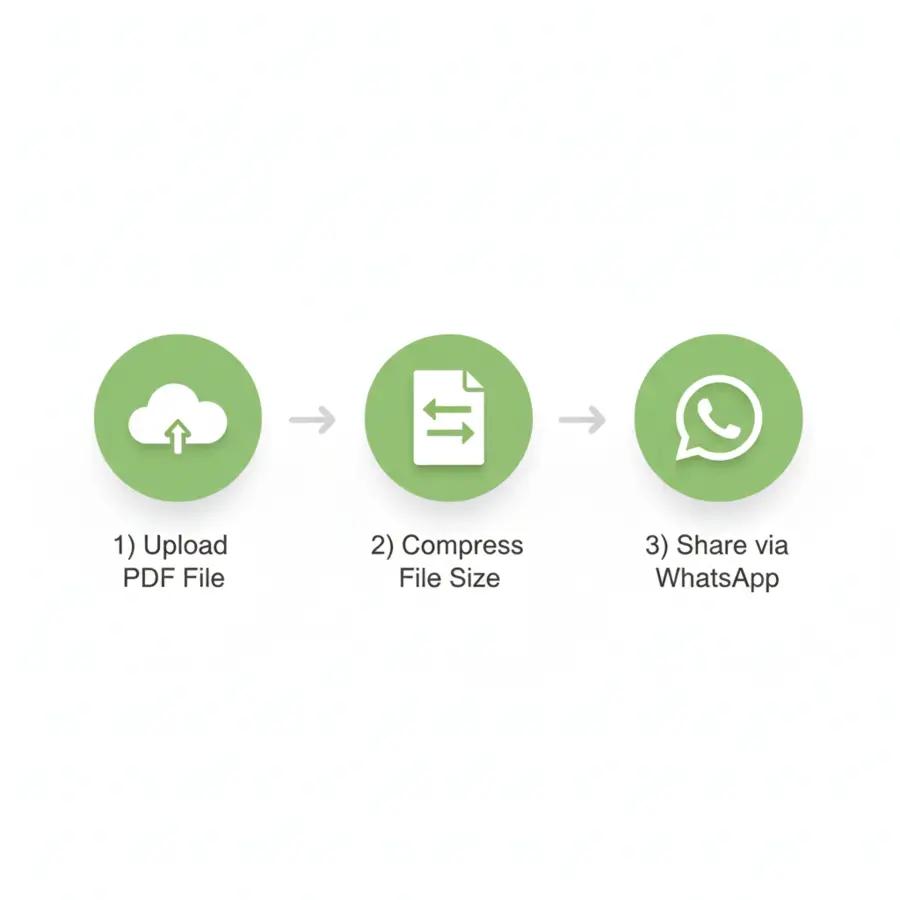
Here’s the easiest way to do it:
Step 1: Open the Compress PDF Tool
Go to AstraPDF and open the Compress PDF tool.
Step 2: Select Your PDF File
Upload the PDF you want to send on WhatsApp. The file stays on your device and is processed locally.
Step 3: Compress the File
The tool automatically reduces file size while maintaining clarity.
Step 4: Download & Share on WhatsApp
Once compressed, download the new PDF and share it instantly on WhatsApp—no errors, no quality issues.
Best Settings to Compress PDF for WhatsApp
To get the best results:
- Use standard compression for text documents
- Avoid extreme compression for scanned PDFs
- Remove unnecessary pages before compressing
💡 Pro tip: If your PDF has extra pages, use the Split PDF or Extract Pages tool first, then compress only what you need.
Compress PDF for WhatsApp Without Losing Quality
The biggest fear people have is:
“Will my document look blurry after compression?”
With proper compression:
- Text remains sharp
- Forms stay readable
- Signatures remain visible
This is especially important for:
- Exam submissions
- Job applications
- Government forms
- Office documents
If you’re dealing with scanned files, you may want to convert them into searchable PDFs later using OCR (available in AstraPDF Pro).
Why Use AstraPDF Instead of Other Tools?
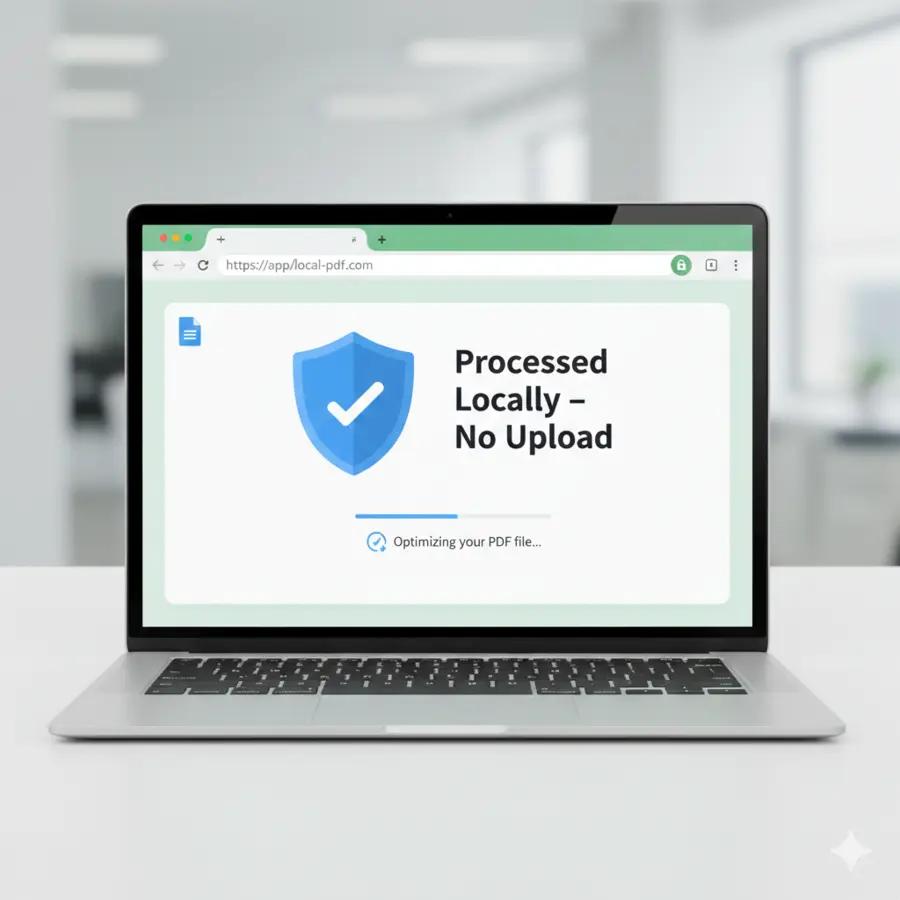
Most online PDF tools upload your files to their servers. That’s risky when you’re sharing personal or official documents.
AstraPDF is different:
- ✅ No file uploads
- ✅ No signup required
- ✅ Works directly in your browser
- ✅ Free for everyday use
If privacy matters to you, this is a major advantage.
You can also explore other useful tools like:
- Merge PDF – combine multiple PDFs before sending
- PDF to JPG – send images instead of PDFs when needed
- Protect PDF – add a password before sharing
Common Issues When Sending PDFs on WhatsApp (And Fixes)
PDF still too large?
- Compress again
- Remove images if possible
- Split into two smaller PDFs
PDF looks blurry?
- Avoid extreme compression
- Use normal quality mode
- Make sure the original file isn’t already low quality
WhatsApp still won’t send?
- Check your internet connection
- Try sending as a document instead of media
FAQs – Compress PDF for WhatsApp
What is the maximum PDF size for WhatsApp?
WhatsApp allows PDFs up to a certain size, but smaller files send faster and more reliably, especially on mobile data.
Can I compress a PDF for WhatsApp on mobile?
Yes. AstraPDF works on mobile browsers without installing any app.
Is it safe to compress PDFs online?
It is safe only if files are not uploaded. AstraPDF processes files locally, so your data stays private.
Final Thoughts
If you frequently share PDFs on WhatsApp, learning how to compress them properly saves time, data, and frustration.
With AstraPDF, you can compress PDFs for WhatsApp in seconds, without sacrificing quality or privacy.
👉 Try the Compress PDF tool now and send your document without errors.