Free Online PDF ToolsMerge, Split, Compress & Convert
AstraPDF is a complete browser-based PDF suite — merge PDF files, compress documents, split pages, convert to JPG or PNG, run OCR on scans, add e-signatures, and protect files with passwords. Everything runs locally in your browser, so your documents are never uploaded to our servers.
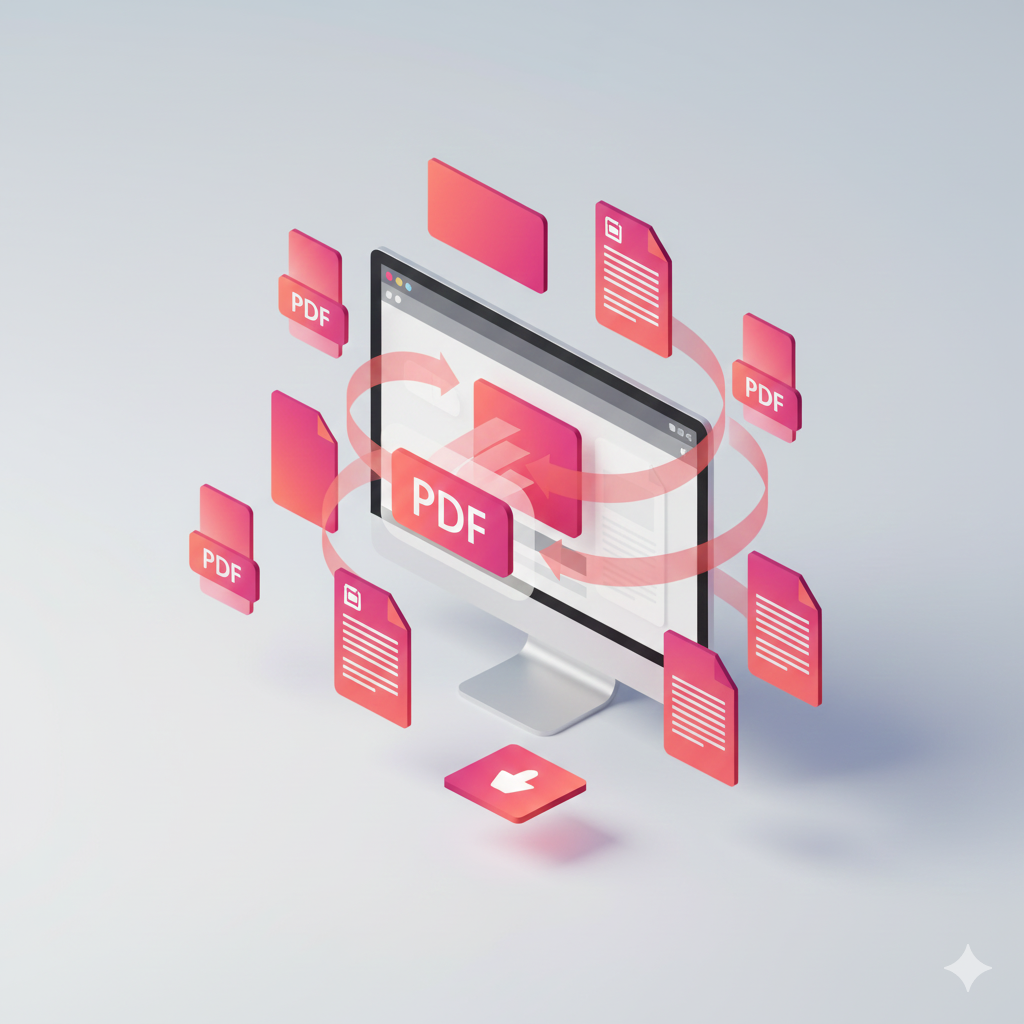
20+ Free Online PDF Tools
Organize, edit, convert, and secure PDF documents with professional-grade tools — all free to start, no account required. Choose a tool below or filter by category: merge and split PDFs, compress file size, convert PDF to JPG, PNG, or WebP, extract text with OCR, sign documents, and add password protection.
Merge PDF
Combine multiple PDFs into one
Split PDF
Extract or separate PDF pages
Extract Pages
Select specific pages to extract
Compress PDF
Reduce your PDF file size
PDF to JPG
Convert your PDF to images
PDF to WebP
Convert PDF pages to WebP images
PDF to PNG
Convert PDF pages to lossless PNG images
PDF to Markdown
Convert PDF to Markdown with heading detection
PDF to Text
Extract text from any PDF file
HTML to PDF
Convert HTML code or files to PDF
PNG to PDF
Convert PNG images to PDF
WebP to PDF
Convert WebP images to PDF
JPG to PDF
Convert images to PDF
Rotate PDF
Rotate your PDF pages
Add Watermark
Add text watermarks to PDF
Add Page Numbers
Number your PDF pages
E-Signature
Sign PDF documents electronically
OCR PDF
Convert scanned PDFs to searchable text
Protect PDF
Add password protection to PDF
Unlock PDF
Remove password protection
Why Choose AstraPDF?
Most online PDF tools upload your files to remote servers. AstraPDF is different: every tool uses client-side processing so contracts, invoices, and personal documents stay on your device — free to use, with optional AstraPDF Plus for unlimited workloads.
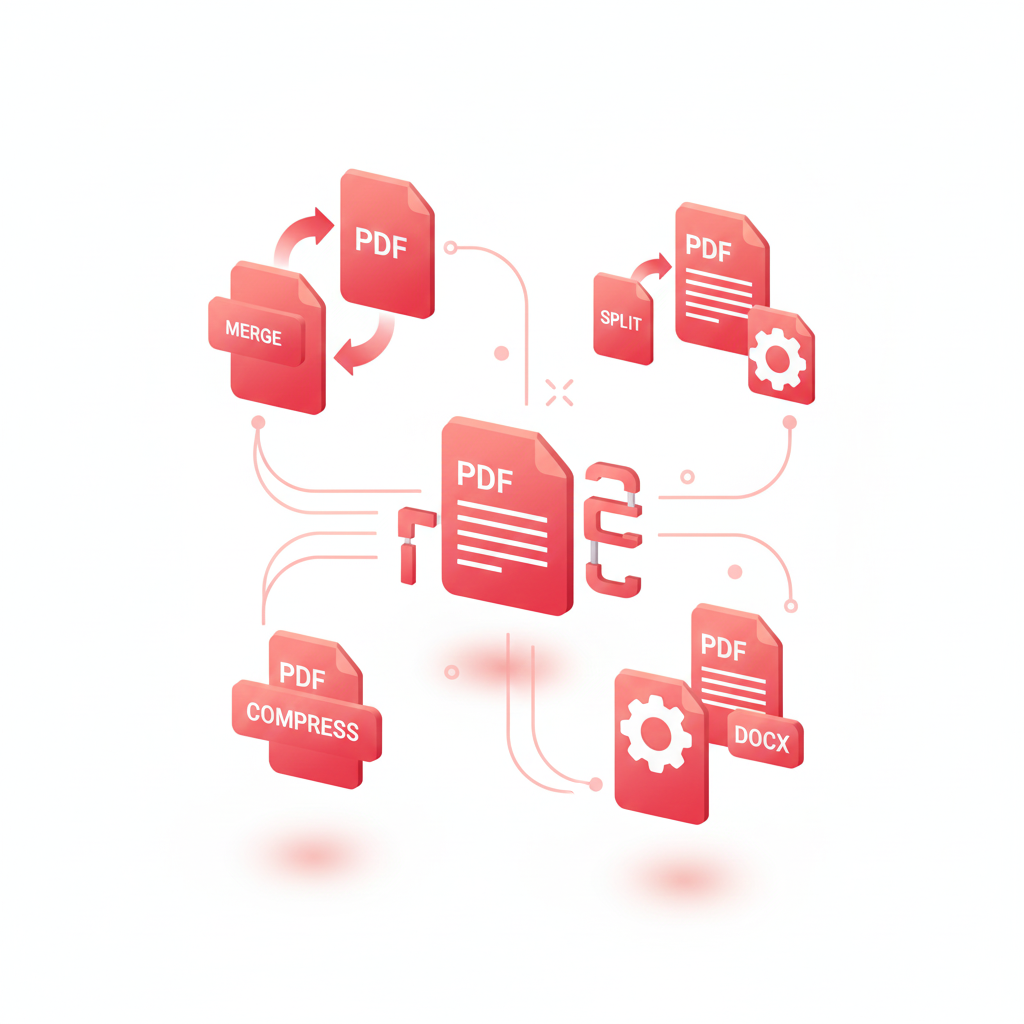
Client-Side PDF Processing — No Server Uploads
Your PDFs never leave your device. Unlike server-based converters, AstraPDF uses WebAssembly and in-browser libraries to merge, split, compress, and convert files locally — ideal for legal, HR, and financial documents that require strict confidentiality.
Instant Results — No Upload Queues
Skip the wait. Because files are processed on your computer, there is no upload step, no server queue, and no download delay. Merge multiple PDFs, compress large files, or export pages to images in seconds on any modern browser.
Every Tool Free — Plus for Power Users
All 20+ tools work on the free plan: OCR, e-signature, watermark, protect, and convert — with no watermarks on output. Free tier includes files up to 50 MB and fair-use limits. Upgrade to Plus for unlimited processing, larger batches, and an ad-free experience.
All Devices
Works on desktop, tablet, and mobile. Windows, Mac, Linux, iOS, Android.
No Registration
Start using immediately without creating an account or providing personal info.
Generous Free Tier
All tools free with fair-use limits. Upgrade to Plus for unlimited processing.
How to Use Our PDF Tools Online
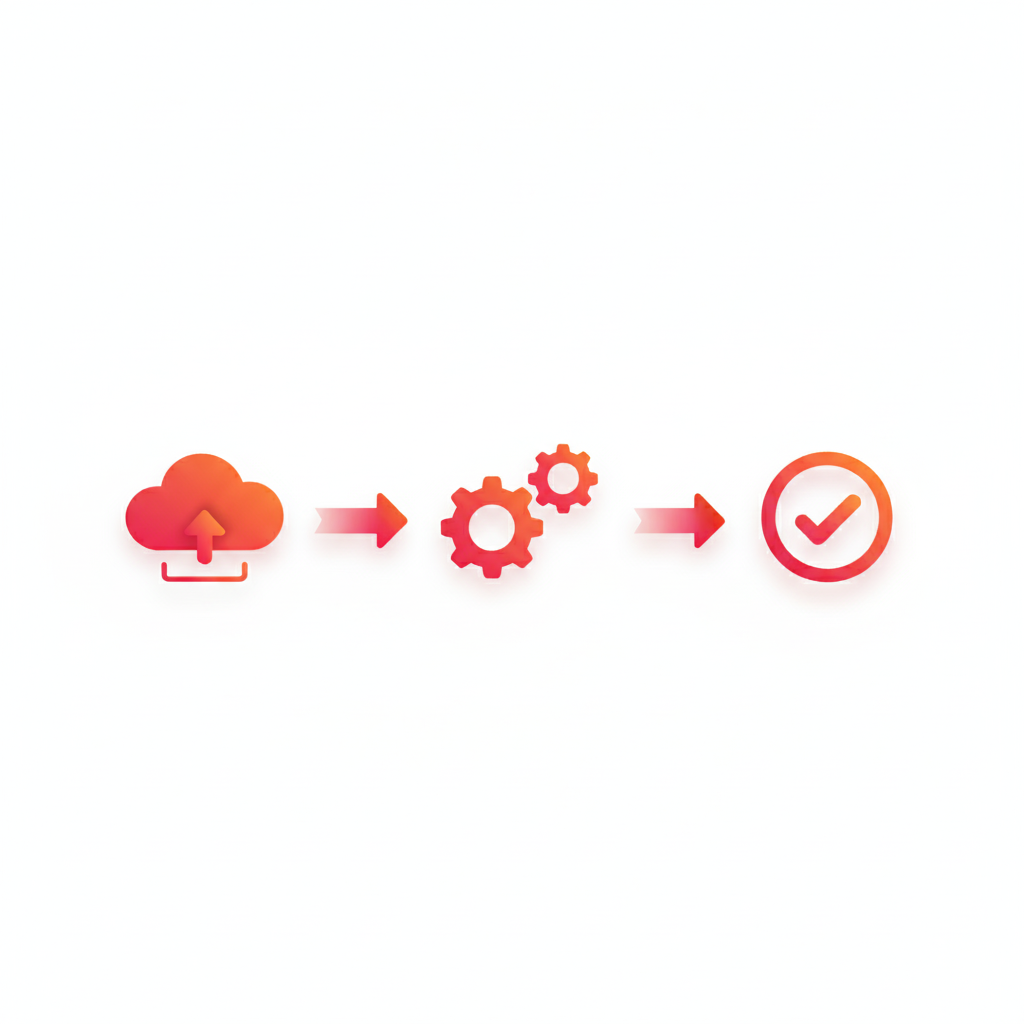
Merge, compress, or convert a PDF in three steps. No software to install, no account to create — open any tool, select your file, and download the result instantly from your browser.
Instant Processing
No waiting times or delays. Process files in seconds, not minutes.
100% Secure
All processing happens in your browser. Files never leave your device.
Batch Support
Process multiple PDF files at once to save time and effort.
Upgrade to Plus
Get more with AstraPDF Plus
Start free on every tool — upgrade when you need unlimited document processing, larger files, and a completely ad-free workflow. Your files still never leave your browser.
Unlimited document processing
Remove fair-use limits on merge, split, compress, convert, OCR, e-signature, and every other tool. Process as many PDFs as your workflow demands — no weekly caps.
No file-size or batch limits
Work with large PDFs beyond the free 50 MB cap, merge unlimited files in one batch, and export full documents to JPG, PNG, or WebP without page restrictions.
OCR, e-signatures & more — without limits
Run OCR on scanned documents, sign PDFs electronically, add watermarks, and protect files with passwords — all included on Plus with no output watermarks and priority email support.
From $6.66/mo billed annually · 30-day money-back guarantee
PDF Tools — Frequently Asked Questions
Common questions about using AstraPDF to merge, compress, convert, and secure PDF files online. Need more detail? Visit our pricing page or contact support.
Are AstraPDF tools really free to use?
Yes. All 20+ tools — including merge PDF, compress PDF, OCR, and e-signature — work free in your browser with no sign-up. Optional AstraPDF Plus removes limits and ads.
Is it safe to merge or compress PDFs online?
With AstraPDF, yes. Most online PDF services upload your files to their servers. AstraPDF processes everything client-side in your browser — your documents never leave your device, eliminating server-side breach risk. Read our privacy policy for details.
What is the difference between Free and Plus?
Free includes every tool with fair-use limits (50 MB per file, up to 3 files per batch, 10 pages per image export). Plus removes all caps, removes ads, and adds priority support — still 100% browser-based.
How do I compress a PDF without losing quality?
Use our compress PDF tool to reduce file size for email attachments and web uploads. Processing runs in your browser on files up to 50 MB on the free plan. For very large documents, Plus removes size limits entirely.
Which browsers and devices are supported?
AstraPDF works on Windows, macOS, Linux, iOS, and Android in Chrome, Firefox, Safari, and Edge. No app install required — open any tool in your browser to merge, split, or convert PDFs on desktop or mobile.
Can I OCR scanned PDFs or sign documents for free?
Yes. OCR PDF makes scanned documents searchable, and e-signature lets you sign PDFs in the browser — both included on the free plan. You can also password-protect PDFs and add watermarks at no extra cost.
Still have questions?
We're here to help! Get in touch with our support team for any questions about AstraPDF.
Contact SupportThe Complete Guide to Free Online PDF Tools
Whether you need to merge PDF files for a report, compress a PDF for email, convert pages to JPG, or extract text from a scan — AstraPDF gives you every tool in one privacy-first platform. No software download, no file upload, no watermarks on your output.
Why Browser-Based PDF Tools Beat Desktop Software
Traditional PDF software requires installation, updates, and often sends files through the cloud. AstraPDF runs entirely in your browser using client-side technology — giving you the speed of online tools with the privacy of local processing:
No Installation Required
Use our tools instantly without downloading software
Cross-Platform Compatibility
Works on Windows, Mac, Linux, iOS, and Android
Always Up-to-Date
Access latest features automatically
Free to Start, Every Tool Included
Merge, OCR, e-sign, and convert — no paywall on core features. Plus unlocks unlimited use.
Secure Processing
Files processed locally in your browser for maximum privacy
PDF Tools by Category
AstraPDF covers the full document workflow — from organizing pages to securing sensitive files. Every category below is available free in your browser.
Organize PDFs
Edit & Enhance
Convert Formats
Secure & Extract
Common PDF Tasks
- •Combining documents with our merge PDF tool
- •Extracting pages with extract PDF pages or split PDF
- •Reducing file size with compress PDF
- •Converting with PDF to JPG or PDF to PNG
- •Creating PDFs from photos via JPG to PDF
- •Fixing orientation with rotate PDF or adding text with OCR PDF
Perfect For
Business & Legal Teams
Merge contracts, sign with e-signature, protect with passwords, and OCR scanned agreements — all without uploading to third-party servers.
Students & Researchers
Combine lecture notes, compress submissions, extract pages from textbooks, and convert PDF to text or Markdown for study notes.
Everyday Users
Shrink PDFs for email, convert photos to PDF, rotate scanned documents, and split multi-page files — free, fast, and private.
Private PDF Processing — Files Never Uploaded
Most online PDF converters send your files to remote servers for processing. AstraPDF is built differently: merge, split, compress, convert, OCR, and sign documents entirely in your browser.
Your sensitive documents never leave your computer. We cannot access your files — on Free or Plus. Learn more in our privacy policy.
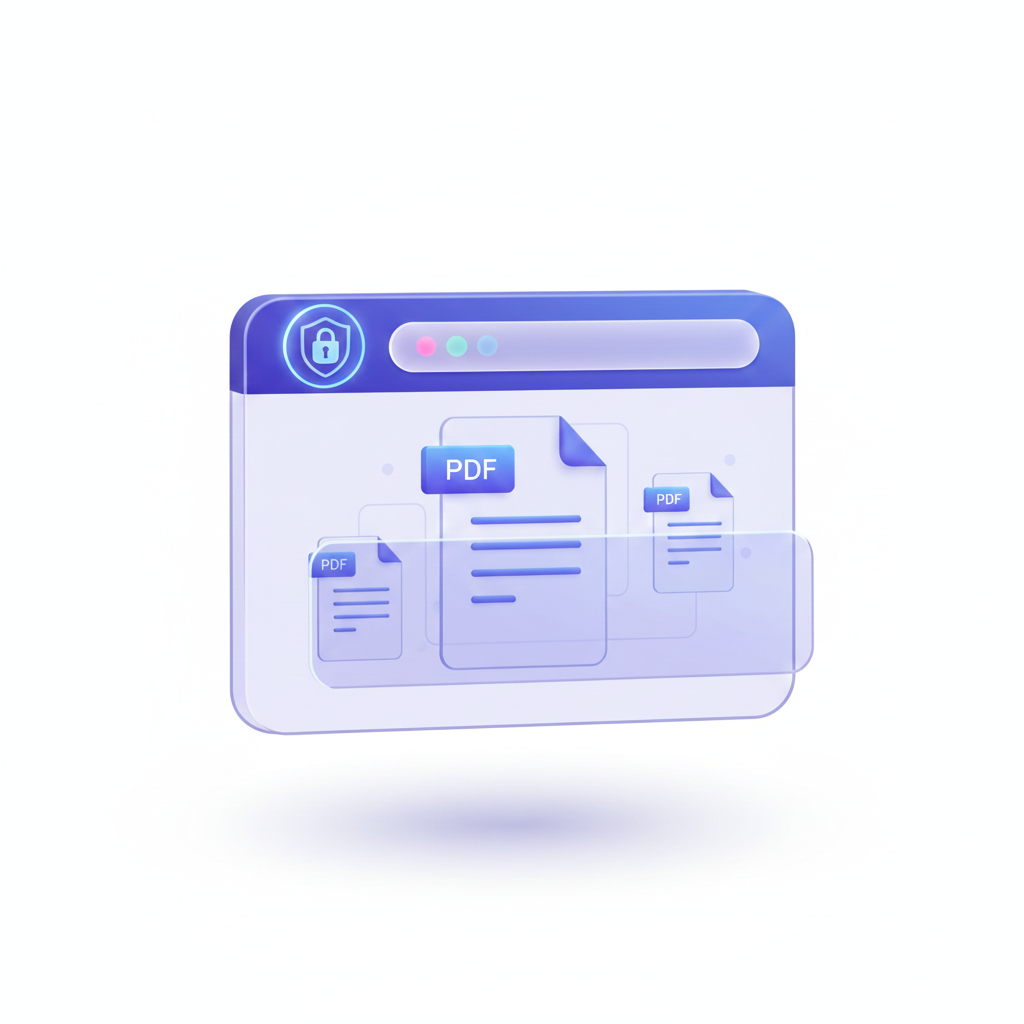
Start Using Free PDF Tools Today
Pick any tool above — merge, compress, convert, or sign — and process your first PDF in seconds. No registration required. Upgrade to AstraPDF Plus when you need unlimited processing.
Get Started NowThe smarter way to work
with PDFs online
Merge, compress, convert, OCR, and sign PDFs — privately in your browser. No sign-up required. Go unlimited with AstraPDF Plus.